





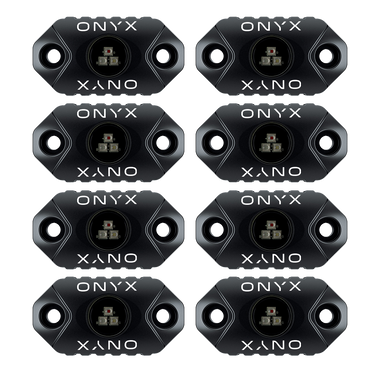
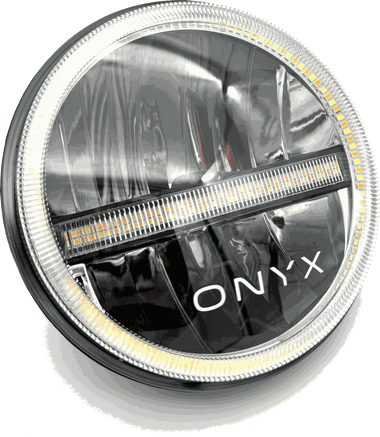
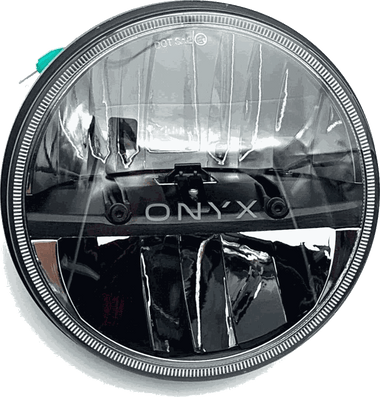
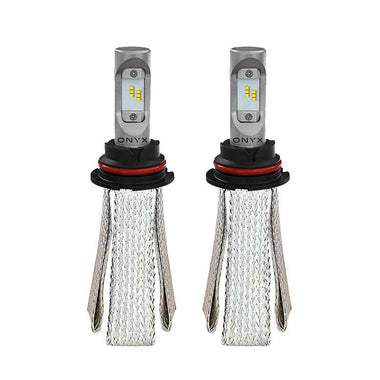
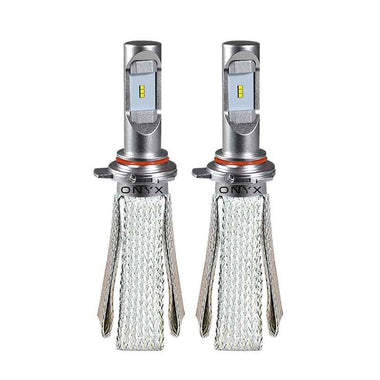
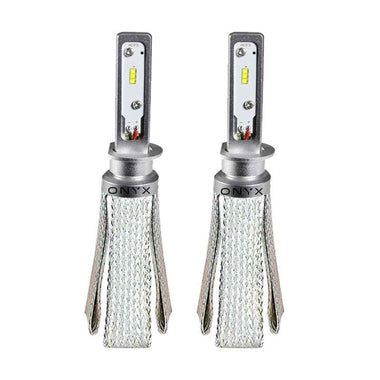
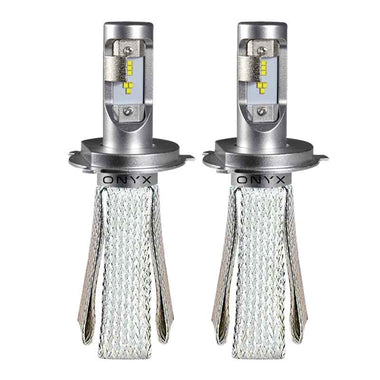


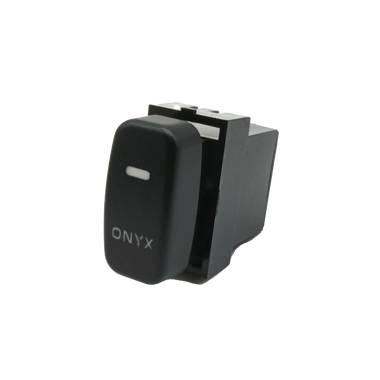
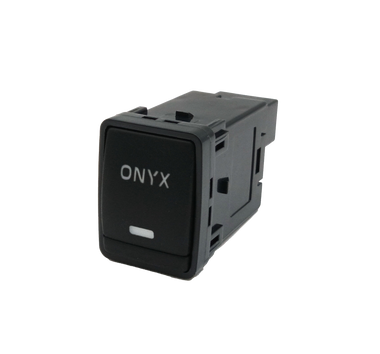
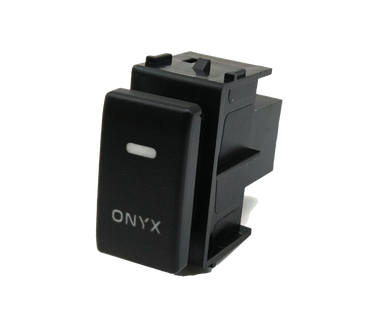
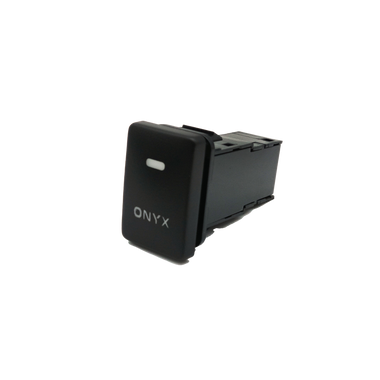
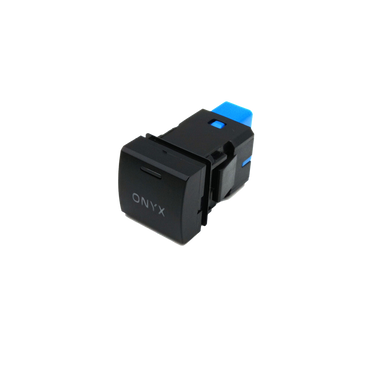
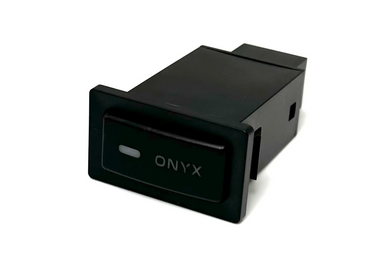
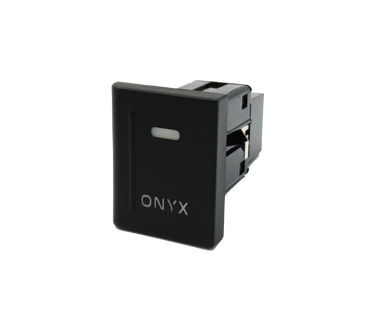
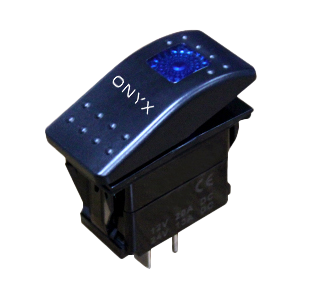
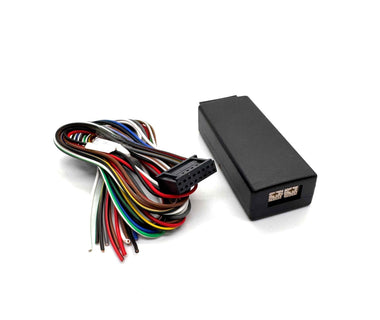
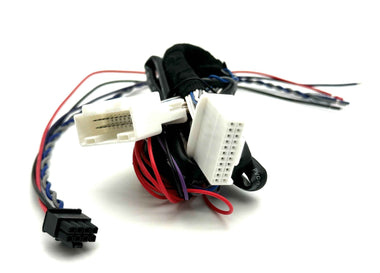
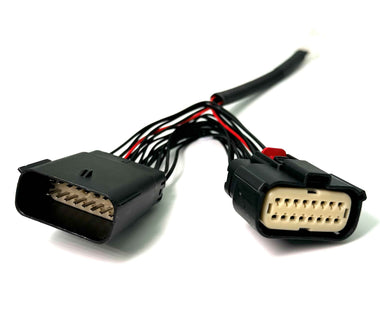
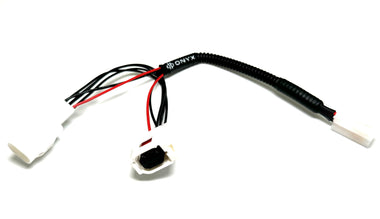
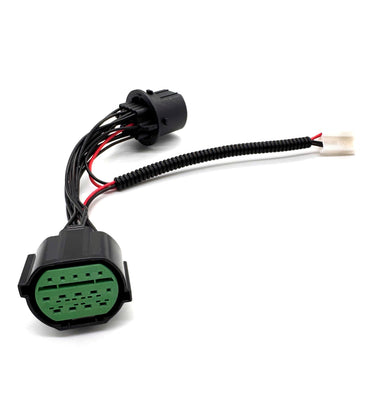
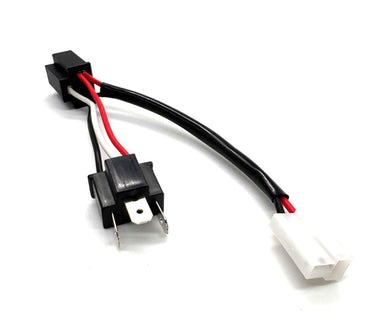
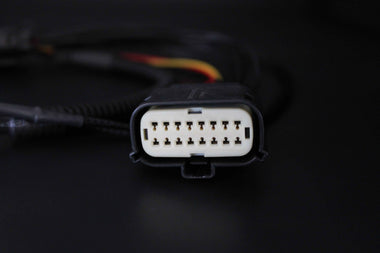
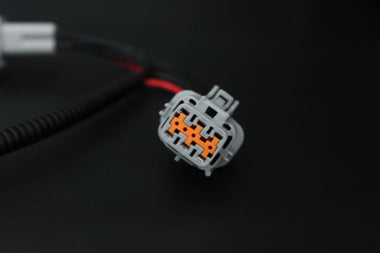
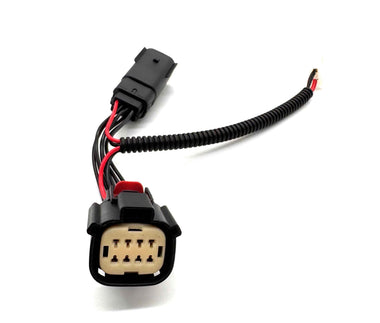
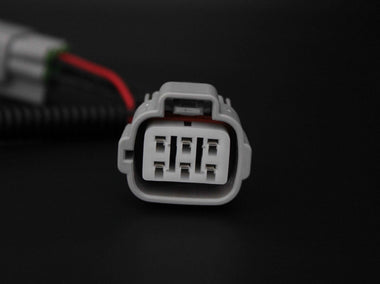
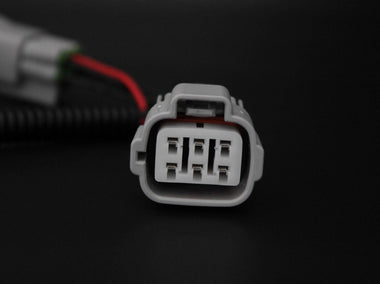
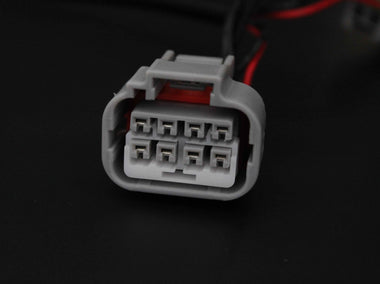
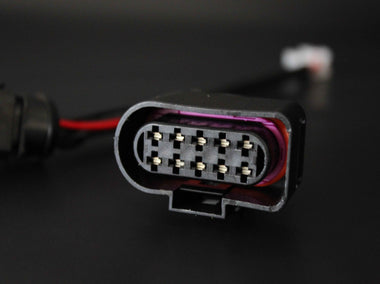
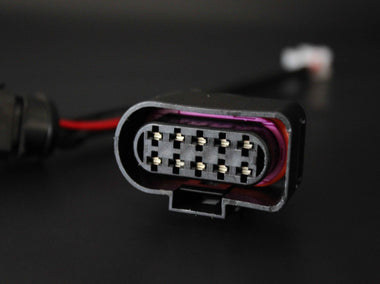
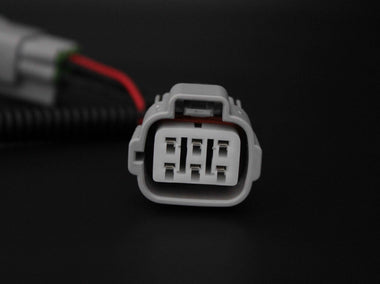
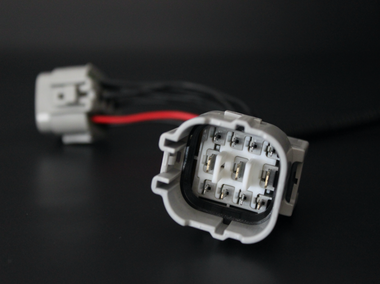
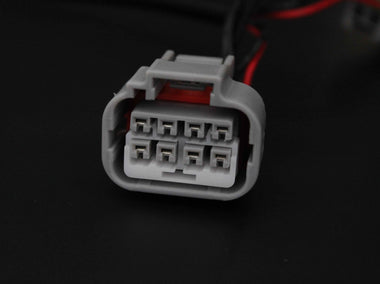

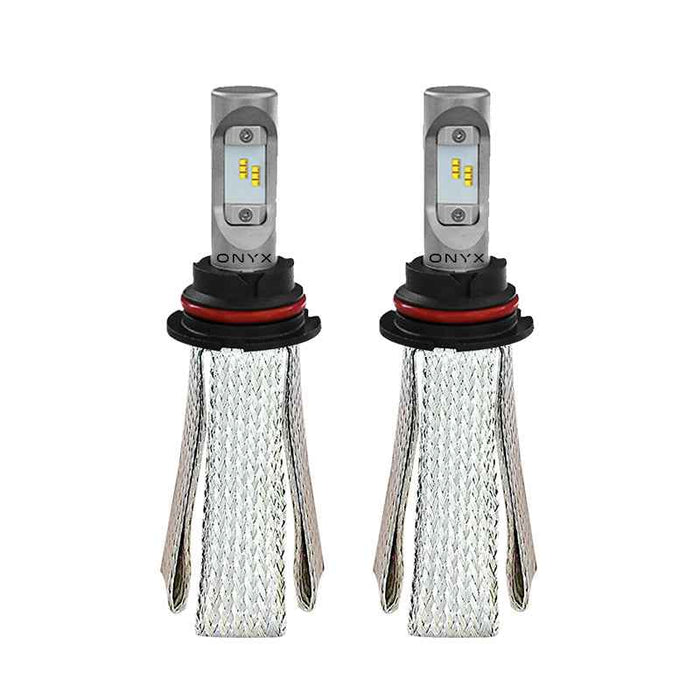
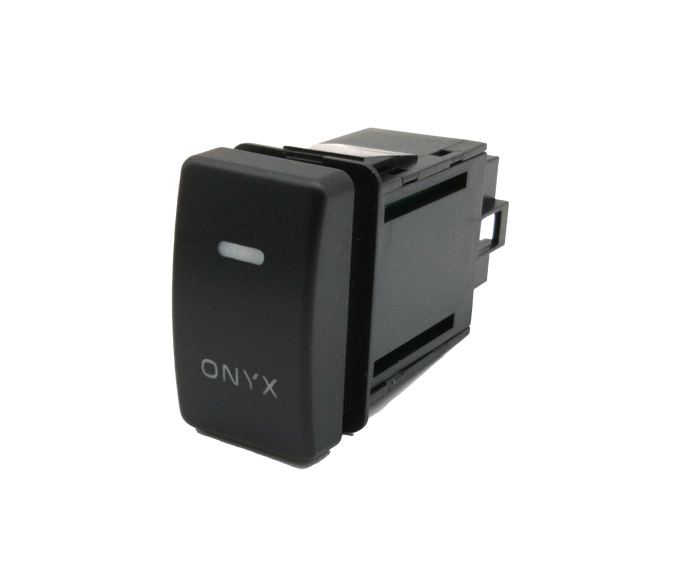
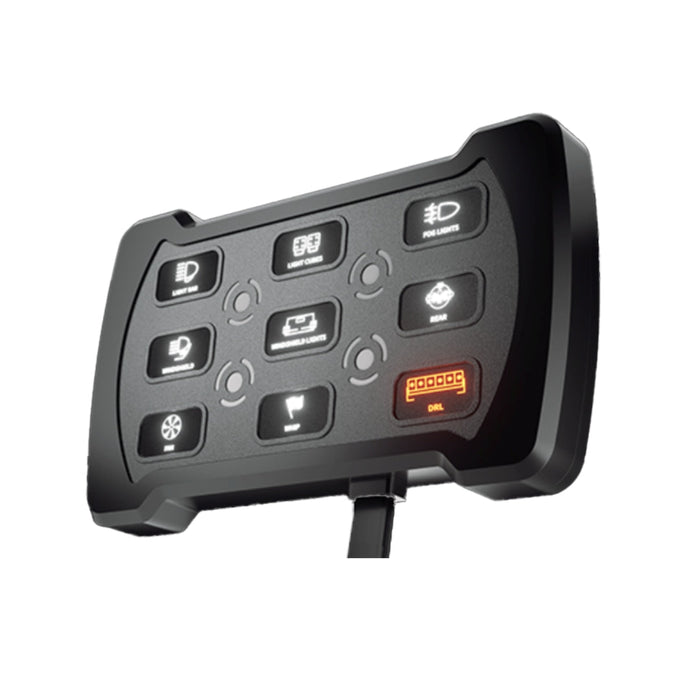
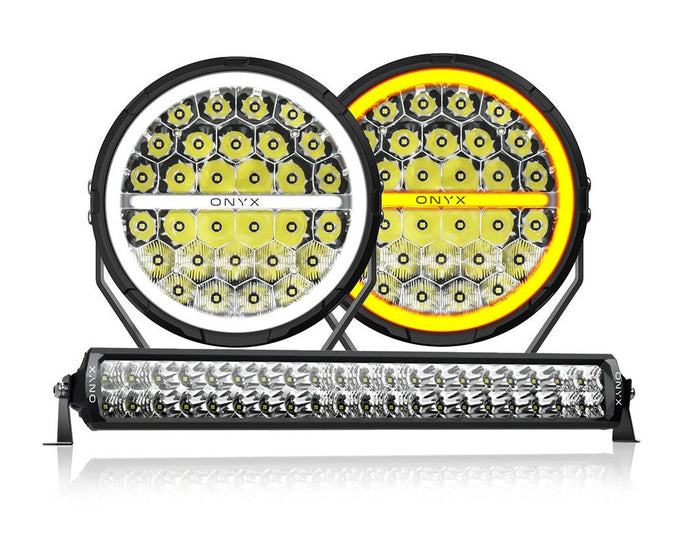
Install guide: PB-T60 LDV T60 (2017 – 2022)
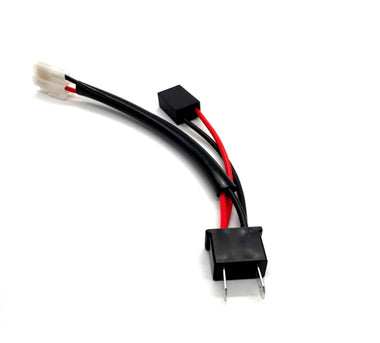
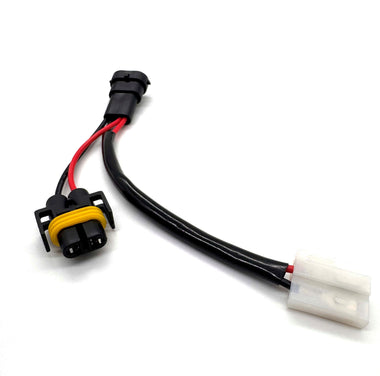
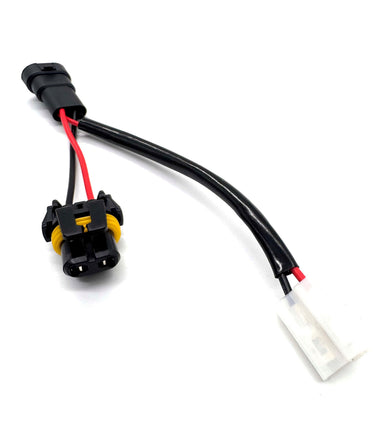
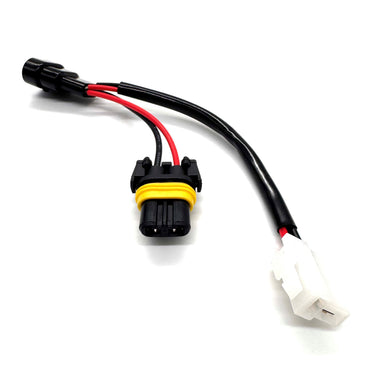
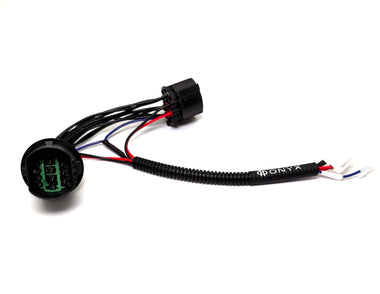
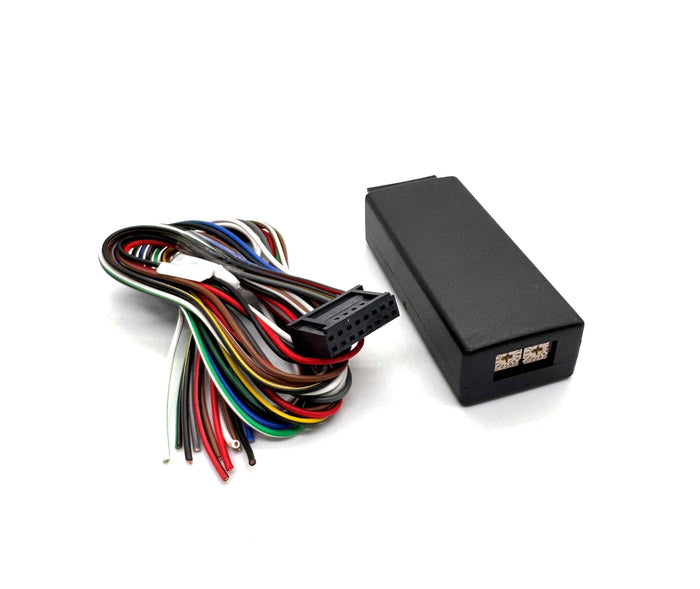
How to fit the ONYX PB-T60 piggyback adaptor to your LDV T60 (2017 – 2022). Plug and play: no cutting or splicing the factory wiring, and the earth is matched inside the adaptor.

Open the full-size guide to print or save
Download the printable guide (PDF)
Before you start
- Ignition off, key out, battery negative (–) off before you start. It goes back on last.
- Keep wiring clear of the exhaust, fan, belts and steering. Cable-tie everything.
- Not confident with 12 V wiring? An auto electrician will have it done in no time.
Fit it
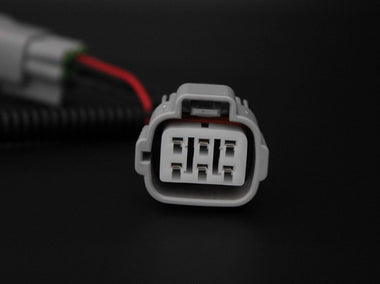
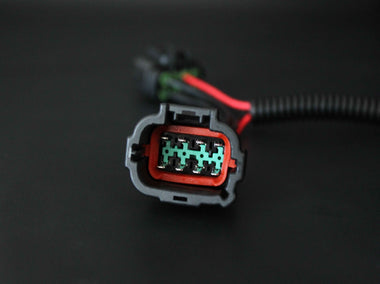
- Open the bonnet and go to the headlight nearest the battery. Find the main headlight plug at the back of the headlight housing.
- Press the clip and pull the factory plug straight back. Pull the plug body, never the wires.
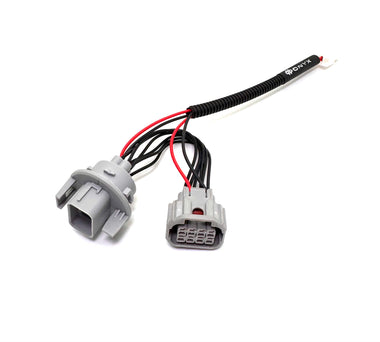
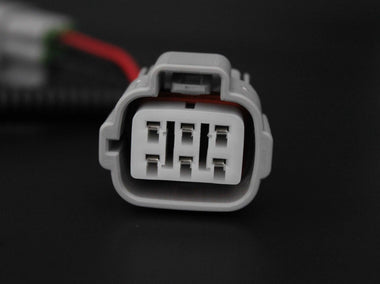
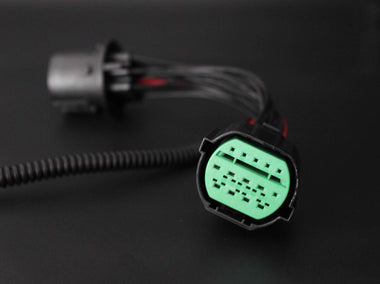
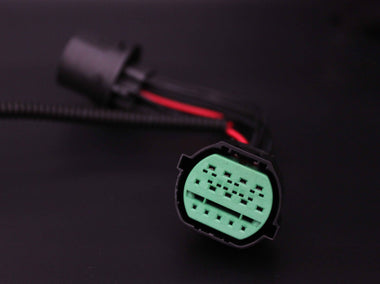
- Click the adaptor in between: factory plug into the adaptor, adaptor into the headlight. Listen for the click on both sides.
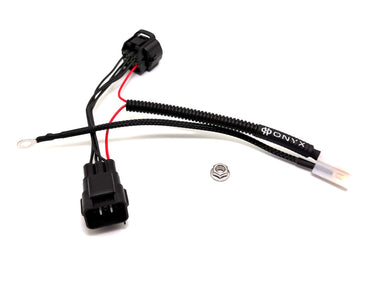
- Run the adaptor's T-plug lead towards the ONYX relay, clear of the fan, belts and anything hot.
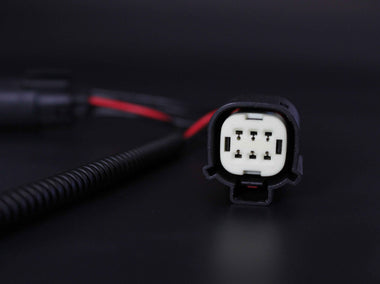
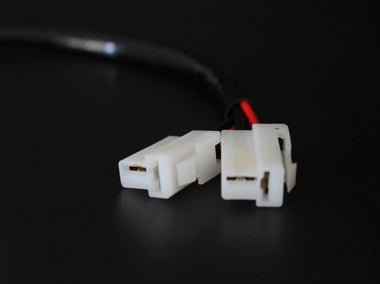
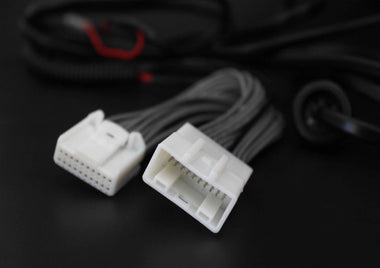
- Push the white T-plug into the matching plug on the ONYX harness until it clicks.
- Test it: high beam with the switch on, lights on. Low beam, lights off. Your headlights work as normal.
Fits: T60 with LED headlights.
Wiring the lights themselves? See Wiring your ONYX lights.
Not sure about a step? Call 1300 028 034 or email info@onyxlights.com.au with your rig's make, model and year.