






















Install guide: bulb piggyback adaptors
How to fit an ONYX bulb piggyback adaptor to a standard high beam globe. Plug and play: no cutting.

Open the full-size guide to print or save
Download the printable guide (PDF)
Before you start
- Ignition off, key out, battery negative (–) off before you start. It goes back on last.
- Keep wiring clear of the exhaust, fan, belts and steering. Cable-tie everything.
- Not confident with 12 V wiring? An auto electrician will have it done in no time.
Fit it
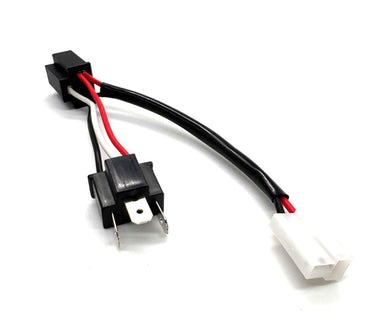
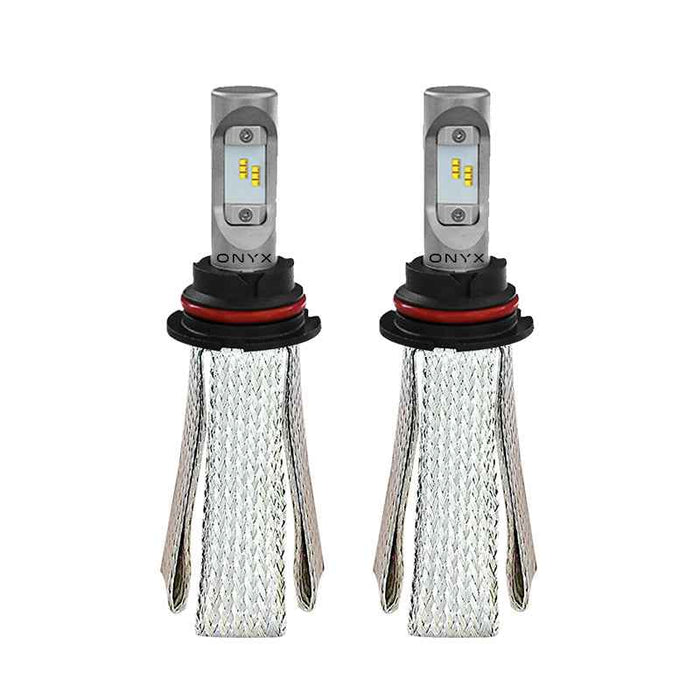
- Find the high beam globe behind the headlight, often under a twist-off dust cap. On H4 rigs one globe does both beams. Check your globe type in the owner's manual.
- Press the tab and pull the factory plug off the globe. Pull the plug body, never the wires.
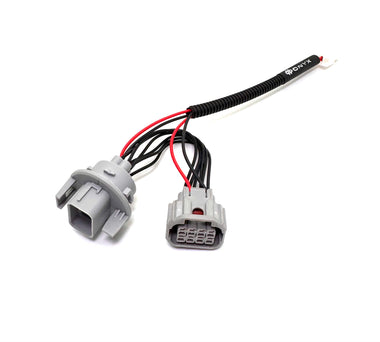
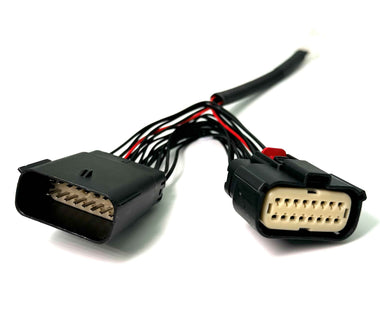
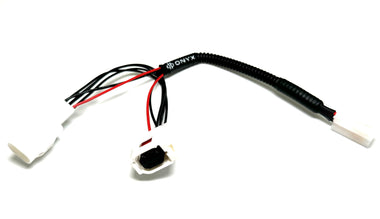
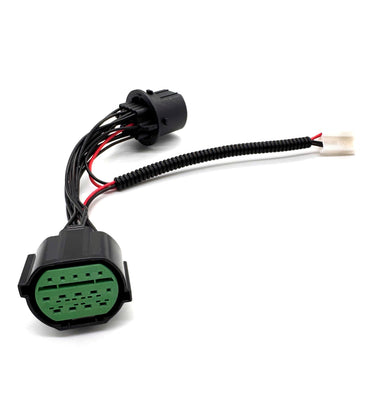
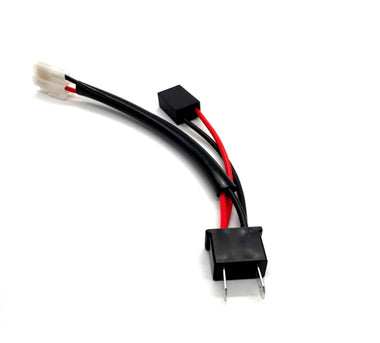
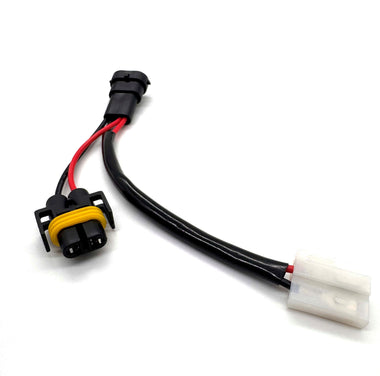
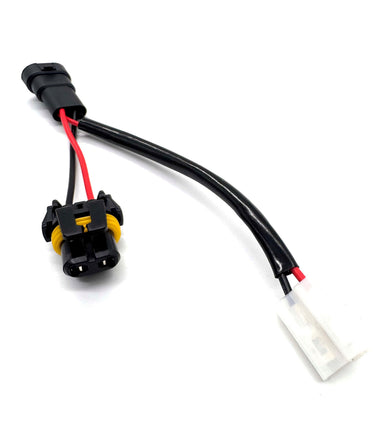
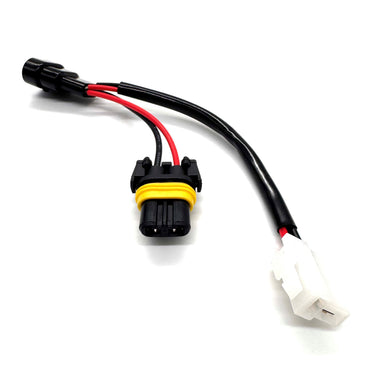
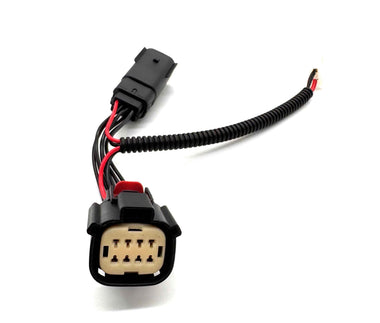
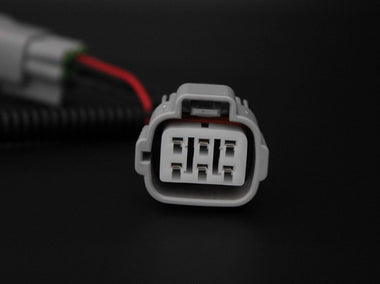
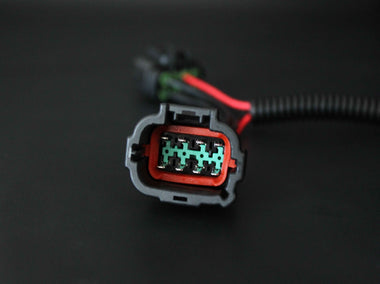
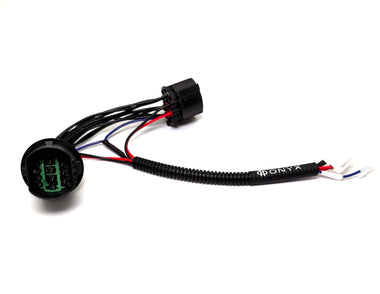
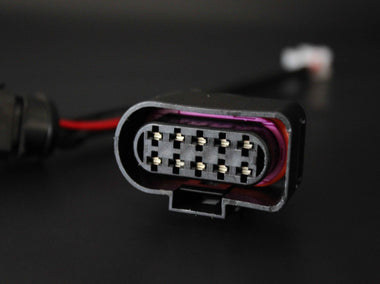
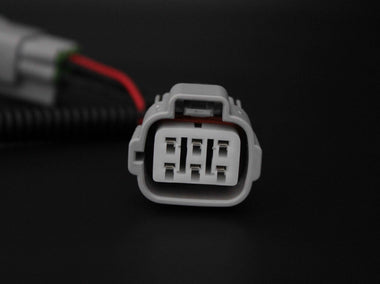
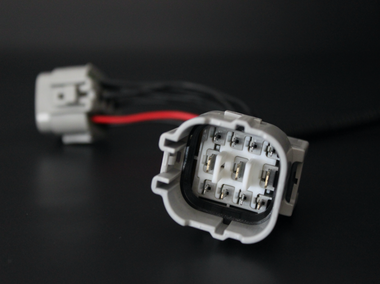
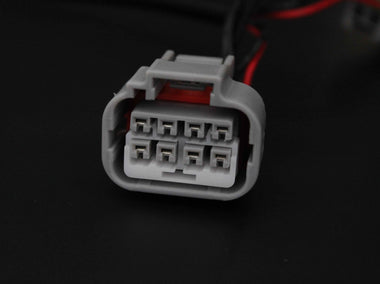
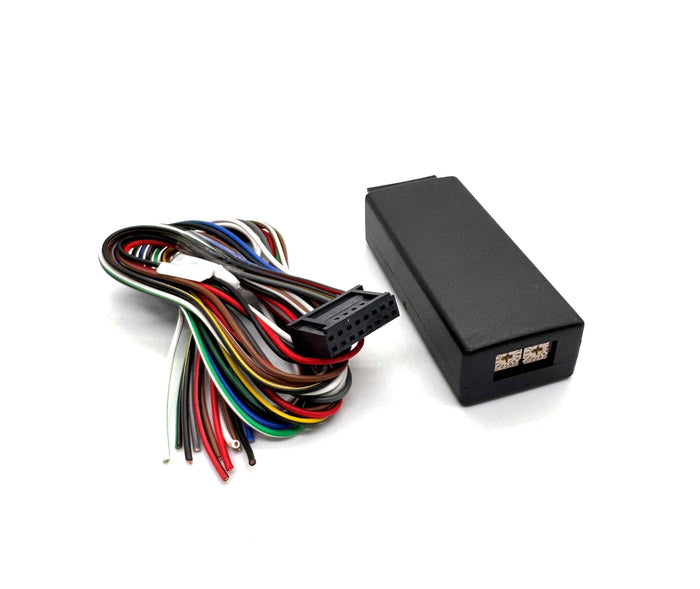
- Click the adaptor in between: factory plug into the adaptor, adaptor onto the globe.
- Sealed dust cap? Pass the T-plug lead through a neat hole and seal it with a snug grommet.
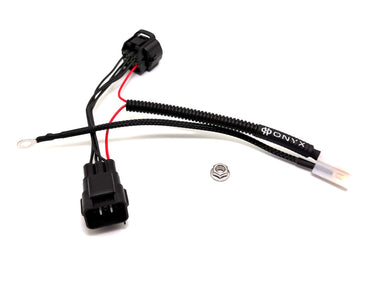
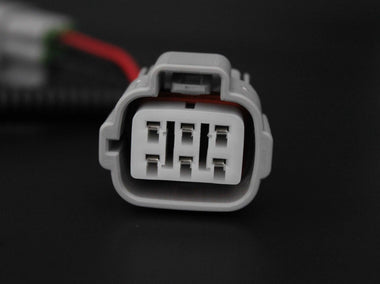
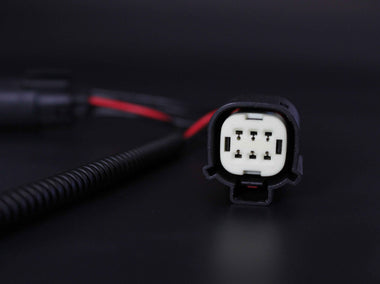
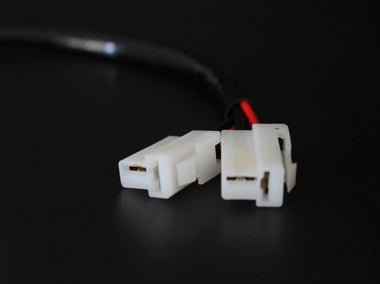
- Push the white T-plug into the matching plug on the ONYX harness until it clicks.
- Test it: high beam with the switch on, lights on. Low beam, lights off. Your headlights work as normal.
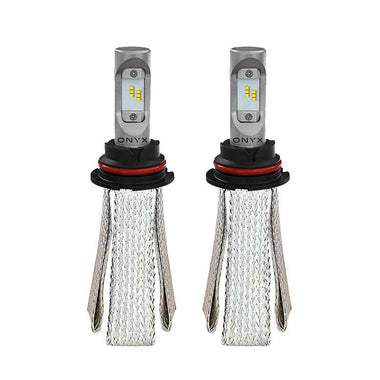
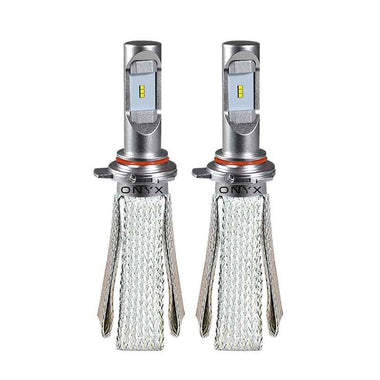
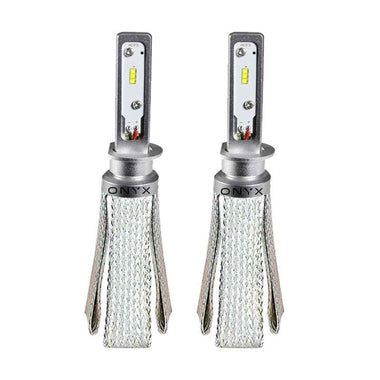
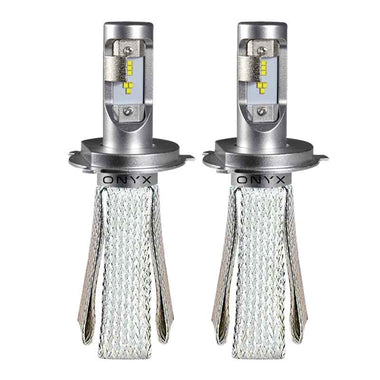
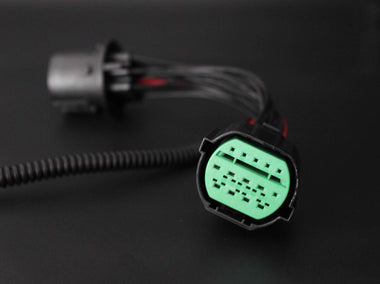
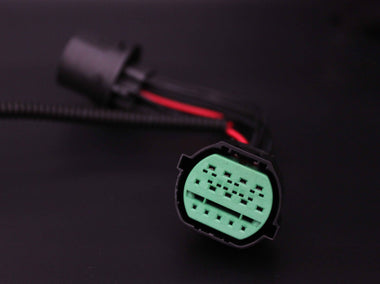
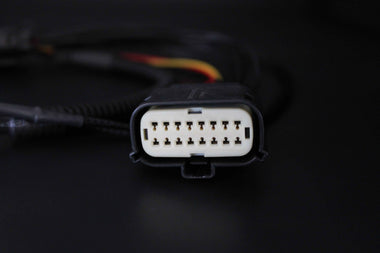
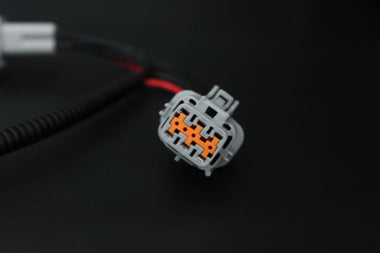
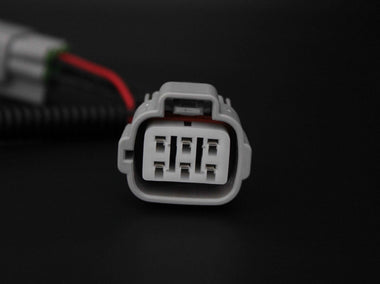
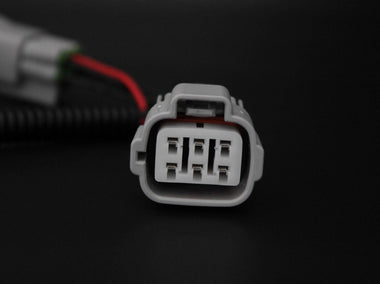
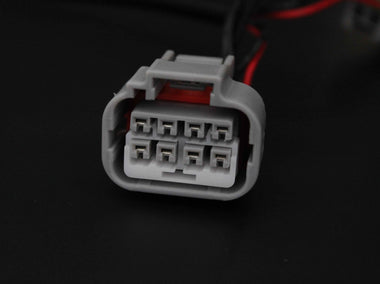
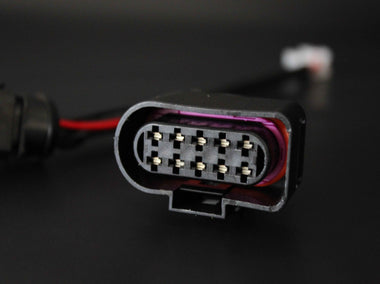
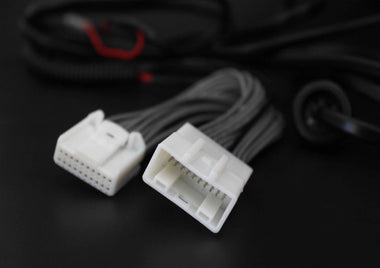
Pick the adaptor that matches your globe type.
Wiring the lights themselves? See Wiring your ONYX lights.
Not sure about a step? Call 1300 028 034 or email info@onyxlights.com.au with your rig's make, model and year.